
A simple, step-by-step setup with gesture training. No manuals, no technical terms. Visual cues guide the way, and learning gestures feels like watching a short cartoon. You just watch and repeat.
The Interface That Makes Nex Playground Just Work
From prototype to 100,000 families. Together with Nex, Mercury built a full interface ecosystem for a home motion console in just seven months.





The Challenge
The Nex Team Came to Us with an Ambitious Goal
Build the console interface and launch in time for Christmas — under seven months. The requirement was strict: the console must just work — no system dialogs, no manual downloads, and a dead-simple setup that guides the user by the hand.


The Device ContinuesThrough PlayOS
The console looks like a simple cube with a remote, no unnecessary details or visual noise. We carried the same philosophy into the interface, refining it with Nex through many iterations toward clarity, simplicity, and immediacy.


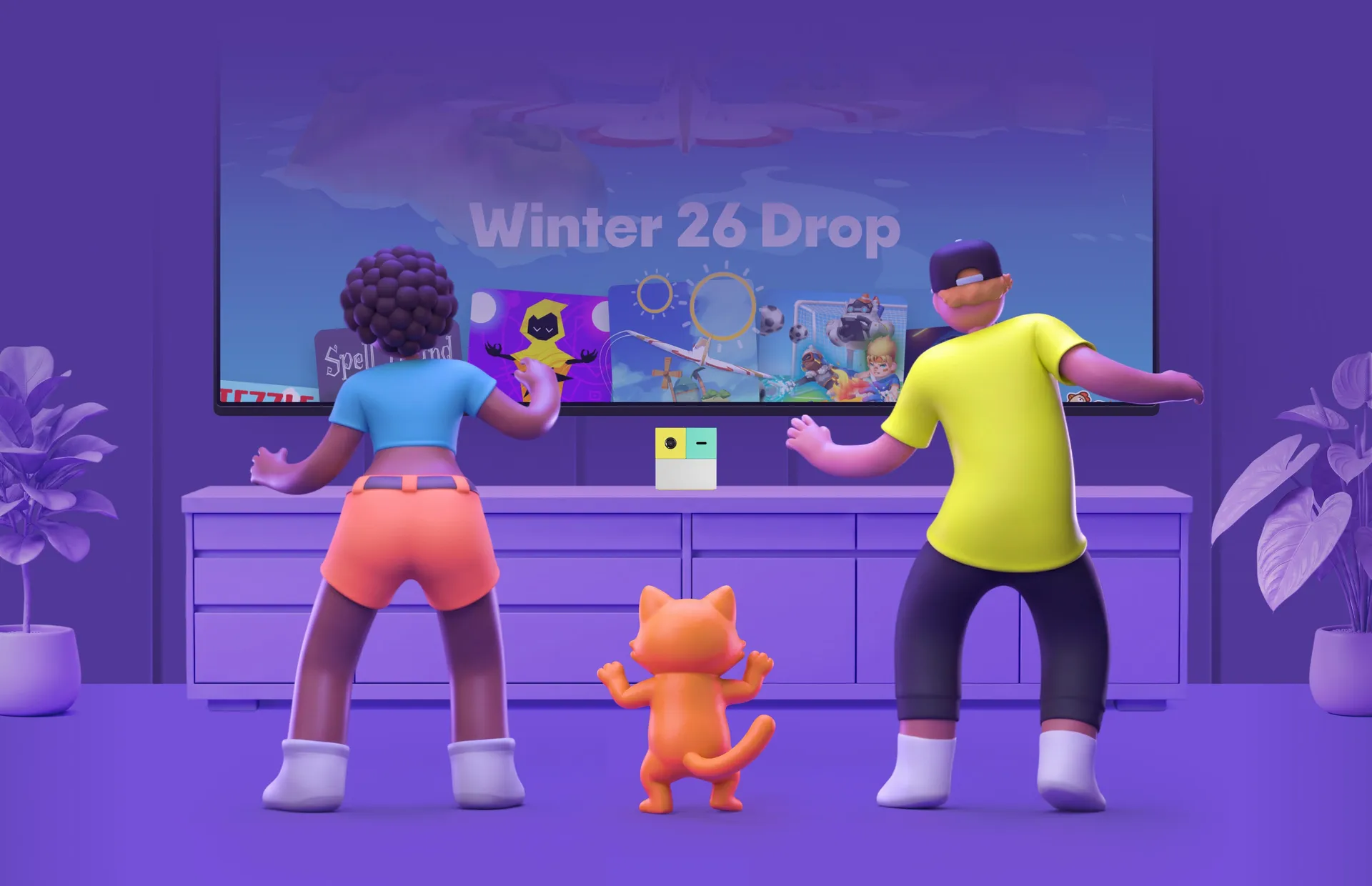
Turn It On, Start Playing
We designed the interface for a family audience: parents, kids, and anyone who doesn't want to deal with technology. Working closely with Nex's product team, led on design by VP of Design, we shaped a few core UI/UX principles together.
Onboarding and Installation
Home Screen
Custom Settings
Automatic game downloads. Users never download anything manually. Everything happens quietly in the background, with no system windows.
A fully custom settings section, built entirely from scratch — with zero Android-looking UI elements. Every toggle, list, and screen was redesigned to feel native to the console.
Engineering Under the Hood
The console had to stay affordable for families, which meant deep system optimization. Everything looked perfect on the emulator, but real hardware needed serious tuning. We reworked key rendering mechanisms to keep the interface smooth and responsive.

Custom Animations
Cartoon-style animations for kids, including tough engineering work with video alpha channels.

AOSP Firmware
A modified AOSP build, where our custom interface fully replaces the standard Android system apps.

Custom Settings Engine
A settings system built from scratch, replacing every native Android screen — nothing feels like stock UI.

Speed & Stability
Smooth UI at stable FPS on affordable hardware, with reworked rendering and data loading.

Native Integration
Aligned integration protocols and pre-granted permissions, so users never see Android system windows.

Silent Download
Games and updates auto-download and install in the background — no manual steps.
Custom Animations
Cartoon-style animations for kids, including tough engineering work with video alpha channels.
AOSP Firmware
A modified AOSP build, where our custom interface fully replaces the standard Android system apps.
Custom Settings Engine
A settings system built from scratch, replacing every native Android screen — nothing feels like stock UI.
Speed & Stability
Smooth UI at stable FPS on affordable hardware, with reworked rendering and data loading.
Native Integration
Aligned integration protocols and pre-granted permissions, so users never see Android system windows.
Silent Download
Games and updates auto-download and install in the background — no manual steps.


- Red Dot Design Award 2024 for PlayOS
- kidSAFE + COPPA Certified
- TIME's Best Inventions 2023

- Parents Magazine: Best New Entertainment System 2023


Awards & Recognition
Recognition built on collective effort — the result of countless contributions that brought this experience into people's homes, and something the whole team is proud of.

Customer Love
User feedback consistently highlights the same strengths: simplicity, convenience, and a strong focus on families — the very qualities we set out to build from day one.

Tight timelines force the best kind of collaboration — fast decisions, constant feedback from Nex, and a shared obsession with the details. That's how seven months turns into a product that still holds up.
Eugene L., Project Manager, Mercury Development
Victor M., Project Manager, Mercury Development
Lana M., Project Manager, Mercury Development
Eugene L., Project Manager, Mercury Development


Growth & Results
The launch happened on time for Christmas 2023. The project then scaled fast: a later phase added a web client, Play Pass payments, and an account system, completing the PlayOS ecosystem.
7
Months from start to launch
100k
Families by the end of 2024
650k
Consoles sold by the end of 2025
Have questions?
Feel free to contact us and we'll respond as soon as possible.


