
Push notifications on cruise ships: why they fail in 2026
TL;DR
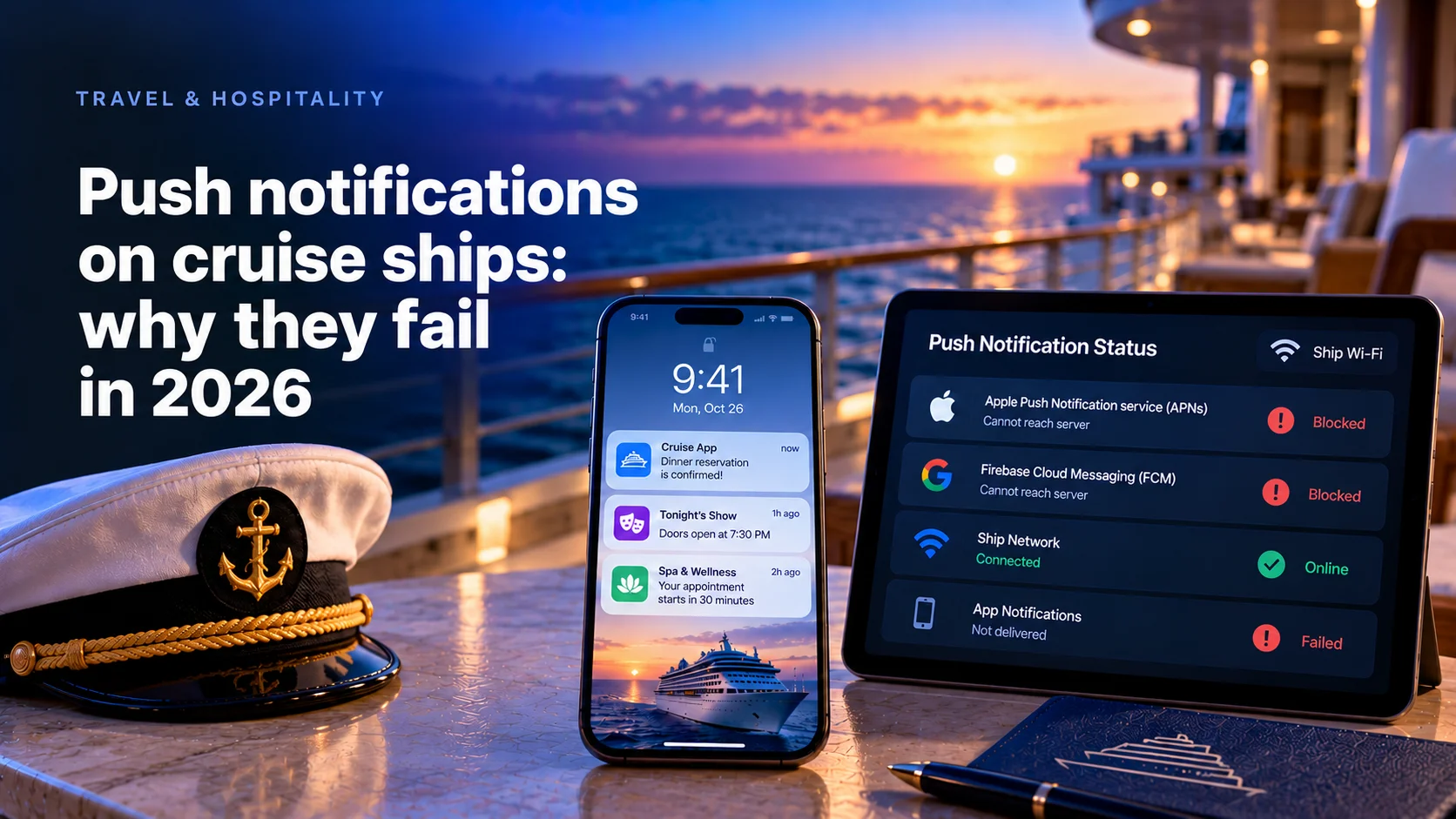
Push notifications on cruise ships fail in 2026 for a network reason. Apple's and Google's push services live on the public internet, and a guest on free ship Wi-Fi often cannot reach them.
- Apple names cruise ships among places with limited APNs access and has offered Local Push Connectivity since iOS 14.
- Allowlisting APNs and FCM on guest Wi-Fi works, but one Royal Caribbean guest found it also lets text iMessages through.
- In apps targeting Android 15 and later, a dataSync foreground service holding a ship socket stops after 6 hours in 24.
- Mercury Development's onboard spa software for OneSpaWorld has run on servers without external internet on over 160 ships since 2018.
Why push notifications fail on cruise ships
Seatrade Cruise News, citing CLIA, reported 37.2 million ocean cruise passengers in 2025. Their apps must work for guests without an internet plan.
Royal Caribbean's app FAQ tells guests to join the ship's Guest Wi-Fi and use the app without an internet package. The app talks to servers on the ship. Push does not.
A remote notification travels through Apple Push Notification service (APNs) or Firebase Cloud Messaging (FCM), both on the public internet. In Apple's WWDC20 session on restricted networks, the speaker says delivery relies on APNs, "which is only available when devices have an Internet connection," and names cruise ships first among places that "may have limited or no APNs connectivity."
So ship push breaks at a layer the app team does not own: the guest network. A guest-app stakeholder at one cruise line told us they had "attempted to do push notifications for years now, and every time someone tries they fail."
Since August 2026 every Android update runs under a six-hour service cap
Since August 31, 2026, Google Play requires new apps and updates to target Android 16, API level 36. Every Android build shipped today falls under the Android 15 rules.
One hits ship push directly. Per Android's foreground service timeout rules, dataSync services may run for 6 hours in a 24-hour period. Then the system calls onTimeout, and a service that does not stop within seconds crashes the app.
A guest app holding its ship socket in a dataSync service goes deaf partway through the first sea day, unless the guest opens the app.
How we put this guide together
We read the pages that answer this question: Greg Ross-Munro's post on push in Airplane Mode, his 2022 review of cruise mobile apps on Sourcetoad's OnDeck site, and a 2023 Seatrade Cruise News Q&A with Sourcetoad's Eve Mitts. None compares the paths or covers Android's limits, web push or crew devices.
Platform docs were read in October 2026. Cruise patterns come from Mercury's delivery records, without client names. Mercury Development builds this kind of software, so read this as an interested view.
Four delivery paths at a glance
| Path | How a message reaches the phone | Needs the shore link | Catch | Fits |
|---|---|---|---|---|
| Open the push channels | APNs or FCM over the satellite link | Yes | Also lets text iMessages through | Lines already allowing app traffic to Apple and Google |
| Local push on iOS | Ship server to an app extension over ship Wi-Fi | No | Apple entitlement, your own server | iPhones on known ship networks |
| Persistent connection on Android | Ship server to a foreground service | No | Service type reviewed in Play Console | Android guest and crew phones |
| In-app inbox | App reads messages from the ship server | No | Seen only when the app opens | Every app, as the fallback |
Open the push channels on the guest network
The cheapest fix is a firewall rule. Apple's support page asks networks to allow TCP 5223 to APNs, with 443 as a fallback, and to open the whole 17.0.0.0/8 block because APNs load-balances across addresses. Firebase asks for TCP 5228, 5229, 5230 and 443, says FCM cannot be routed through a proxy, and wants a NAT timeout of 30 minutes or longer. A ship NAT that drops idle connections sooner leaves messages waiting.
The catch is commercial. On Royal Caribbean's free network, one guest found that text-only iMessages get through because they ride the same APNs channel the line's own app needs, while photos fail because they upload to iCloud. The post calls it unofficial. If your revenue team sells internet plans, someone has to sign off on that leak.
The second catch: this path still crosses the satellite. When the shore link drops, the message waits at Apple or Google.
What the app should tell guests on that network is covered in our guide to the cruise app without internet package.
Use local push from a ship server on iOS
Apple built Local Push Connectivity for this case. Since iOS 14, an app extension can hold a connection to your server on a local network that cannot reach APNs. You list the Wi-Fi SSIDs. When the iPhone joins one, the system starts the extension and keeps it running while the phone stays on that network. It shows your messages as local notifications.
What you take on:
- An entitlement. The app-push-provider value is requested from Apple for the app and the extension.
- A protocol and a server. There is no APNs here, so you define the wire format and run the provider on the ship.
- Routing. Apple's rule: use the local connection when it exists and acknowledges, otherwise APNs.
- Network names in configuration. An SSID renamed during a refit switches local push off without an error, so ship the list from the server.
Apple advises limiting the extension to local notifications and CallKit alerts. Use it to ring the bell, and let the app fetch the data.
The ship server that sends these messages is described in our guide to offline-first mobile apps for ships.
Hold a persistent connection on Android
Android offers no counterpart to Apple's API. The usual route is a foreground service that keeps a socket to the ship server, and since Android 14 that service must declare a type. Android's service type list gives three candidates:
- remoteMessaging, described as transferring text messages between a user's devices.
- dataSync, for data transfer, capped at 6 hours in 24 for apps targeting Android 15 and later.
- specialUse, for valid cases no other type covers, with a justification in the manifest that Play Console reviews.
Test a full sea day with the screen locked. A foreground service shows an ongoing notification, so tell guests what it does. If the line allowlists FCM, keep it as the second channel.
How to plan that sea day test on board is covered in our guide to cruise ship app testing.
Web push needs the internet too
A progressive web app skips the app stores. It still needs a push service. Per WebKit, web push on iOS and iPadOS 16.4 and later works only for web apps added to the Home Screen and uses "the same Apple Push Notification service" as native push. Servers must allow *.push.apple.com.
Open, a web app can show messages from the ship server. Closed, it needs the internet path native push needs. For guests on free Wi-Fi, ship a native shell with local push and keep web code for the screens.
Design every message to arrive late, twice or never
Whatever the path, messages arrive late or repeat. Build for it.
- Give every message an expiry. Per Apple's request guide, APNs may store a notification for up to 30 days, set by apns-expiration. FCM keeps one for four weeks by default, 28 days at most. A dinner reminder at disembarkation is worse than none.
- Expect only the latest. APNs stores one notification per app while the phone is offline. Five messages a guest must read go to an inbox.
- Collapse status updates. Reuse apns-collapse-id, up to 64 bytes, or an FCM collapse key, so a third order update replaces the second.
- Deduplicate on the phone. A message sent by local push and by APNs needs one ID.
- Store times in UTC with the ship's zone. Ships change zones, and crossing the International Date Line breaks schedules saved as local time.
- Separate test from production. On May 29, 2025, users of Royal Caribbean's app received between 15 and 40 "test segment" notifications, CruiseHive reported, and the line said they went out inadvertently.
Treat the inbox as the record and push as the doorbell.
How to keep reminder times right when the ship crosses the date line is covered in our guide to international date line cruise apps.
Crew alerts need their own design
Crew devices are easier and stricter. The line owns the devices and the network, and a missed alert costs revenue or safety.
A product manager for shipboard operations put the brief to us plainly: "How do we notify the team?" What we design:
- A dedicated staff SSID, so local push on iOS and the Android service match one known network.
- The same event on fixed monitors and on phones, so one weak signal does not lose it.
- An acknowledgement on every alert, with routing to the next person when nobody accepts in time.
- A server-side queue for black spots. One buyer described ships passing through "black spots where they lose connectivity." Alerts wait on the ship and resend.
A full crew alert build for the casino floor is covered in our guide to the casino employee mobile app.
What our cruise programs show
OneSpaWorld describes itself as the operator of health and wellness centers onboard cruise ships. Mercury's spa platform for it has run since 2018 on over 160 ships of multiple cruise lines, on onboard servers with no external internet connection. Its E-Forms platform serves 1,000+ devices and over 3,000 staff members, syncing in near real time over low or sporadic bandwidth with RabbitMQ between ship and shore.
For cruise line clients Mercury cannot name under NDA, we build React Native food and beverage apps, tableside ordering tools with order status tracking and ready notifications, and a staff app that alerts crew teams to operational events on monitors and phones. The patterns in this guide come from that work, including guests who cannot tell free ship Wi-Fi from a paid plan and behavior that reproduces only on a real ship.
Treat push as a network feature
Ship push projects start in the app backlog, which is why they fail for years. The deciding calls belong to whoever owns the guest network and prices the internet plan.
Change the vendor interview. Skip "have you built push notifications". Ask: "A guest on free ship Wi-Fi, iPhone locked, shore link down. Show me how the dinner reminder reaches them and what happens when the link returns." A team that has done this names the SSID, the entitlement and the expiry. A team that has not names Firebase.
Own the result: Mercury's About page states that the customer owns the code and all underlying IP, the ship-side push server included.
Written by Alexey Rodionov, Lead Front-end Developer at Mercury Development since 2020. Alexey is a Google Developer Expert in Web Technologies and a Chromium contributor whose code ships in Chrome DevTools, Google's Bubblewrap and Microsoft PWABuilder. The platform constraints and delivery designs behind this article's comparison of push paths come from the front-end practice he leads.
Push stuck in your cruise app backlog? Map the delivery paths first
Tell us which devices your guests and crew carry, which networks they join on board and what your apps try to send today. We will map each message to a delivery path, an expiry and a fallback, so the next attempt starts from the network instead of the code.