
Video editing app development in 2026: capture, edit and upload
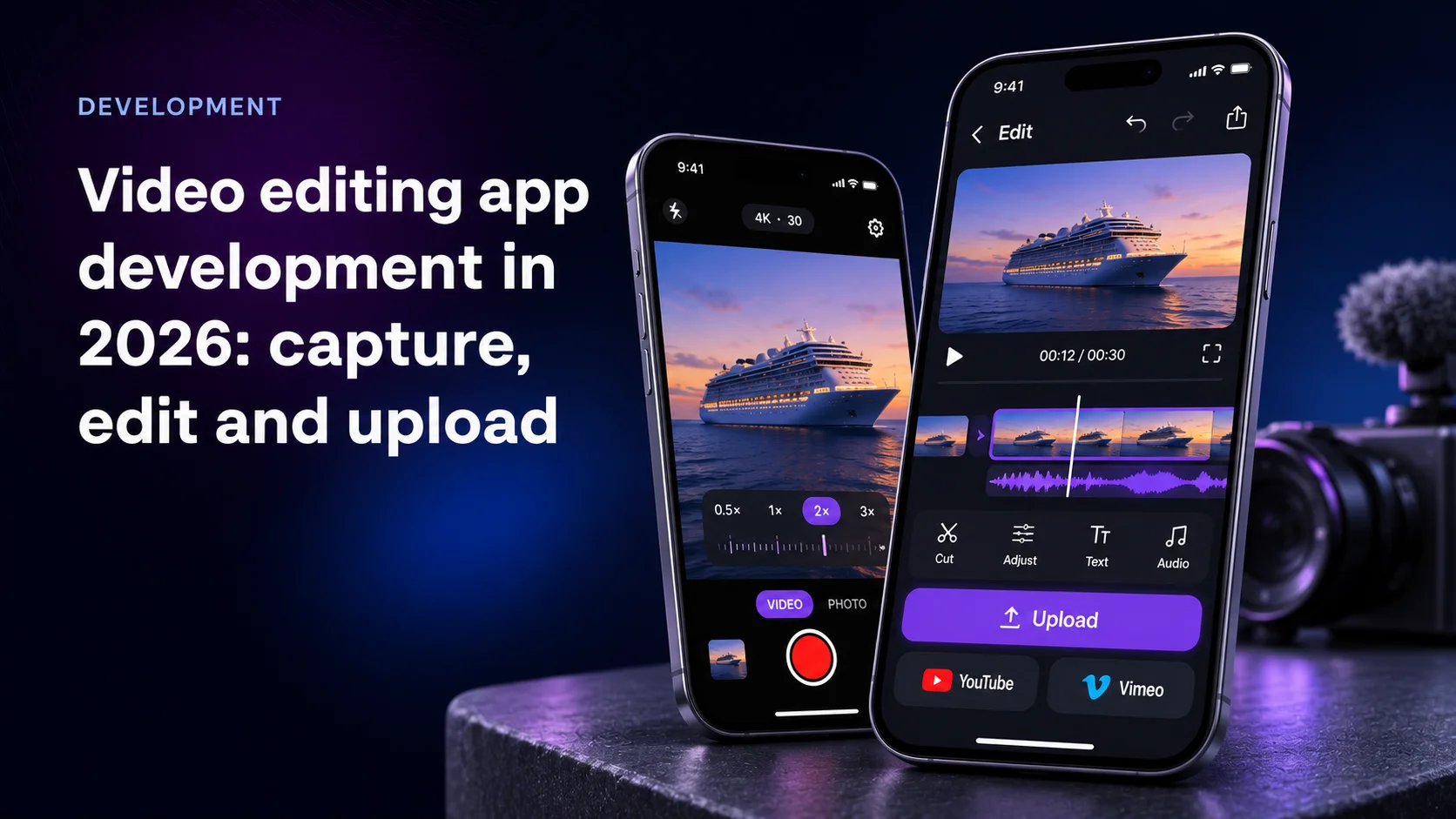
TL;DR
Video editing app development in 2026 often means one mobile app that shoots, cuts and publishes straight to YouTube or Vimeo, so finished files never pile up on the phone. This guide walks a real brief through that build.
- YouTube cut the upload cost from about 1,600 quota units to about 100 in December 2025. Since November 2, 2026, uploads from unverified projects are no longer forced to private.
- A project still gets 100 upload calls a day, shared by every user of your app.
- iOS ramps zoom natively. Android's CameraX has no built-in animated zoom, so you drive it yourself.
- Background uploads survive app suspension on iOS. On Android 15, dataSync services get 6 hours per 24.
- Mercury's presales estimates for recording-first apps started above $100,000 for an MVP.
Why one app should shoot and publish the video
Most mobile video still travels through three apps: camera, editor, uploader. Every hop leaves a full-size copy on the phone.
Pro camera apps raised the bar for the first hop. 9to5Google reported on July 31, 2024 that Blackmagic Camera came to Android completely free, with pro controls such as focus peaking and LUTs. Its Blackmagic Cloud option uploads proxies in the background for editing in DaVinci Resolve.
That serves teams already living in Resolve. A coach or a niche publisher wants something narrower: their own branded app, one button that ends with a link on YouTube or Vimeo. Nobody sells that off the shelf, so it gets built.
YouTube cut the upload quota cost and lifted the private lock
The platform side moved three times in eleven months. YouTube's Data API revision history records each step:
- December 4, 2025: the quota cost of a video upload changed from approximately 1,600 units to approximately 100.
- June 1, 2026:
videos.insertandsearch.listmoved into their own quota buckets. - November 2, 2026: videos uploaded through
videos.insertfrom unverified API projects are no longer restricted to private viewing mode.
The videos.insert reference now states 100 calls per day, each costing 1 unit in the Video Uploads bucket, and a maximum file size of 256GB. Leave privacyStatus empty and the video goes public by default. Check it before a QA clip goes live.
How we put this guide together
We asked search engines and AI assistants how to build a mobile app that records video and publishes it. They return generic editing-app guides with cost tables. None covers zoom control or upload quotas, and the top guide carries six FAQ entries.
So we read the platform and upload documentation cited below in November 2026. The brief comes from a media company's request to Mercury, described without the client's name. The cost range comes from Mercury's own presales records, aggregated. Mercury Development builds apps like this, so read this as an interested view.
The five layers of the build at a glance
| Layer | iOS | Android | Trap |
|---|---|---|---|
| Capture and zoom | AVFoundation zoom ramp | CameraX zoom, app-driven steps | Lens switch causes a jump |
| On-device edit | AVFoundation composition and export | Media3 Transformer | Second full-size copy on disk |
| Upload | Background URLSession | WorkManager or dataSync service | Force-quit or 6-hour cap |
| Publishing | YouTube Data API, Vimeo API | Same APIs | 100 uploads a day per project |
| Paid tiers | App Store subscriptions | Google Play Billing | Card checkout outside the store |
The brief: shoot, cut, publish, keep the phone empty
The request came from a company that films a specialist sport. They wanted one simple app from shooting to publishing. Finished videos should go straight to YouTube or Vimeo, so the phone does not fill up. The zoom had to be slow and constant: the client called it critical. Paid membership tiers would add custom graphics to the finished video.
Read it as four requirements. A zoom that holds one speed. An editor that adds graphics without doubling storage. An upload that survives one bar of signal. A billing model the stores approve.
Slow and constant zoom on iOS
Apple solves the hard part. ramp(toVideoZoomFactor:withRate:) takes a rate in powers of two per second, and Apple says the exponential change yields a visually linear transition. A rate of 0.1 doubles the framing in about 10 seconds.
The details that decide how it looks:
- Lock the device with
lockForConfiguration()before the call, or it throws. - Stop with
cancelVideoZoomRamp(), which Apple's zoom overview says smoothly ends a transition. WatchisRampingVideoZoomto keep the UI honest. - Mind the virtual camera.
virtualDeviceSwitchOverVideoZoomFactorslists the factors at which a multi-lens device may switch to its next lens. Crossing one mid-ramp can jump color and framing.
For a truly constant move, pick a single physical lens for the shot and ramp inside its range.
Slow and constant zoom on Android
Android gives you two calls and no ramp. CameraX configuration docs describe setZoomRatio() and setLinearZoom(), the second taking 0 to 1.0 and scaling the field of view with the value. They also warn that a new zoom value set while the previous one is still executing makes the previous operation fail immediately.
So the app drives the zoom itself: a frame-synced animator steps setLinearZoom() by a fixed amount and waits for each step. Linear steps in field of view read as a constant move.
Smoothness still depends on the phone. In a 2022 CameraX discussion thread, Scott Nien explained that smooth zoom works on devices that implement Camera2's CONTROL_ZOOM_RATIO. Test on the phones your users hold.
Edit on the device without filling it up
Each export writes a new file next to the original, so a 2GB clip briefly needs 4GB.
On Android, Media3 Transformer trims clips and applies custom effects on top of hardware-accelerated MediaCodec and OpenGL. On iOS, AVFoundation does the same job. Either way, keep the edit as a recipe stored as data and rendered once at export.
The storage rule follows:
- Record into the app's own sandbox, never the shared gallery.
- Edit as a recipe. No intermediate renders.
- Export once, at the platform's target resolution.
- Upload the export, then delete it after the host confirms the file.
Delete too early and a failed upload loses the shoot.
Upload to YouTube and Vimeo in the background
Nobody waits on an upload screen. On iOS, a background URLSession lets transfers continue even when the app is suspended or terminated by the system. If the user force-quits from the app switcher, the system cancels the transfer, so the app must resume on next launch.
On Android 15, the behavior changes give an app's dataSync foreground services 6 hours in total per 24-hour period.
YouTube's resumable upload protocol restarts after a dropped connection from the last byte received. Session URIs expire, so store them with a timestamp.
Vimeo offers resumable tus uploads, among others, in its API upload guide. Its storage article says embeddable or non-public videos count toward the plan's managed storage.
Then the quota. The Quota Calculator gives each project 100 videos.insert calls a day, reset at midnight Pacific Time. One hundred uploads from any mix of users end your day. Budget for a quota extension and show users a clear state when the limit hits.
Paid tiers that add branded graphics
Tiers that add custom footers or logos are digital content inside an app, so they go through the store's own subscriptions. Keep the entitlement on your server and let the export step read it: a Pro render gets the footer, a free one does not.
Two traps from our presales work:
- A card checkout inside the app. In one streaming brief, Mercury flagged the planned credit-card path as a high risk of App Store rejection.
- An existing web subscription. In an AI audio brief, in-app subscriptions had to sit beside a Stripe plan. Decide which system owns the entitlement first.
Render graphics into the exported file. YouTube and Vimeo will never show a player overlay.
What our video capture projects show
For Shots, Mercury built camera filters and a VHS-style filter that became a separate app. Apple featured VHS Home Videos as Best New App in over 100 countries and in App Store's Best of 2017. For users on slow connections in Brazil, the team cut the app to 100MB and added offline sync.
For Burger King, Mercury built a tablet app for an employee contest: one video per contestant per day with an on-screen timer, uploads to Amazon Web Services built for concurrent submissions and dropped connections. The platform was ready in less than a month and logged 46272 uploads.
For MiMedia, a cloud media platform, Mercury became the main developer of its apps across platforms, and MiMedia's app shipped factory-installed as the default gallery on Micromax smartphones.
The pattern: capture is the feature users see, and the upload pipeline is what keeps them.
What our presales records say about cost and risk
Mercury's internal presales records for media and entertainment show where these builds land. For apps where recording video is the core flow, Mercury's estimates started above $100,000 for an MVP with iOS, Android, a backend and an admin panel. A scope that added live streaming and payouts to capture reached $450,000 to $600,000. Any group with fewer than three data points is not published.
Two risks stand out. Mercury flagged a 500MB upload cap as far too low when creator source files typically run 5 to 20GB. In a video localization brief, Mercury excluded direct YouTube upload from the estimate over API and policy risk. Price publishing as its own line item.
Decide where the zoom lives before you pick a stack
Teams start with the editor because it demos well. Start with the zoom, because it decides the stack.
An in-camera zoom at one speed on Android phones you do not control means native camera code and real-device testing. If the user can shoot wide instead, the move becomes a crop animated at export: perfectly constant on every phone, at the cost of resolution.
Our view: ship the editor crop first, add the in-camera ramp on iOS, and enable it on Android only for devices that pass your smoothness test. Ask any vendor: the upload dies at 80% and the user force-quits. What happens to the file?
Mercury's About page states that the customer owns the code and all underlying IP, including the camera module.
Written by Rob Devereaux, Chief Operating Officer at Mercury Development. Rob has run the firm's operations from Hudson, Ohio since 2019 and has over 20 years of operational and financial experience. The presales estimates behind this article's cost range come from the pipeline records in the operations he oversees.
Planning a capture-to-publish app? Get the build map first
Tell us what your users film and where the finished video should land. We will map the camera-to-upload path for each platform, flag the store and quota limits that apply, and show which layer drives your budget.